
Reports and backups
Share a report. Keep a restorable copy.
Create PDFs, export CSV records, and back up supported business data and product images in a validated JSON file.
Choose the file for the job. A report explains your numbers, a CSV makes records available outside the app, and a JSON backup is the format used to restore supported business data. Sharing is always an action you initiate.
Worked guide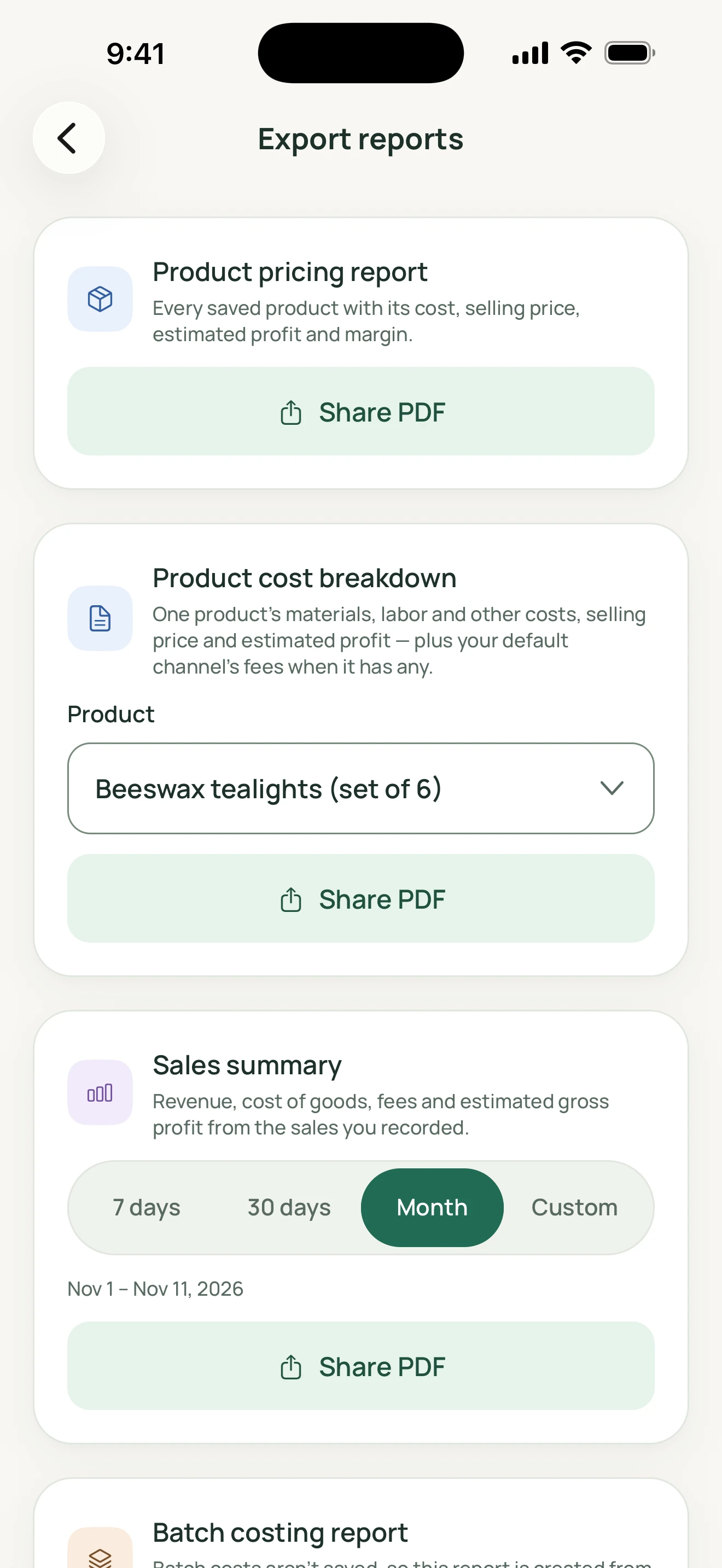
MadeMargin
How it works
Reports and exports have different purposes
PDF options include product pricing, product cost breakdowns, sales summaries and batch costing. CSV exports expose records in tabular form. The screenshots show report controls, not an opened PDF or a completed transfer. PDF and CSV files are not full restore backups.
A JSON backup includes product images
The backup contains supported business tables, selected preferences and available photos referenced by products. Missing image files are reported and those products can restore without a photo. Before replacement, validation checks format/version, checksum, data types, currencies, relationships and safe image names.
Restore deliberately
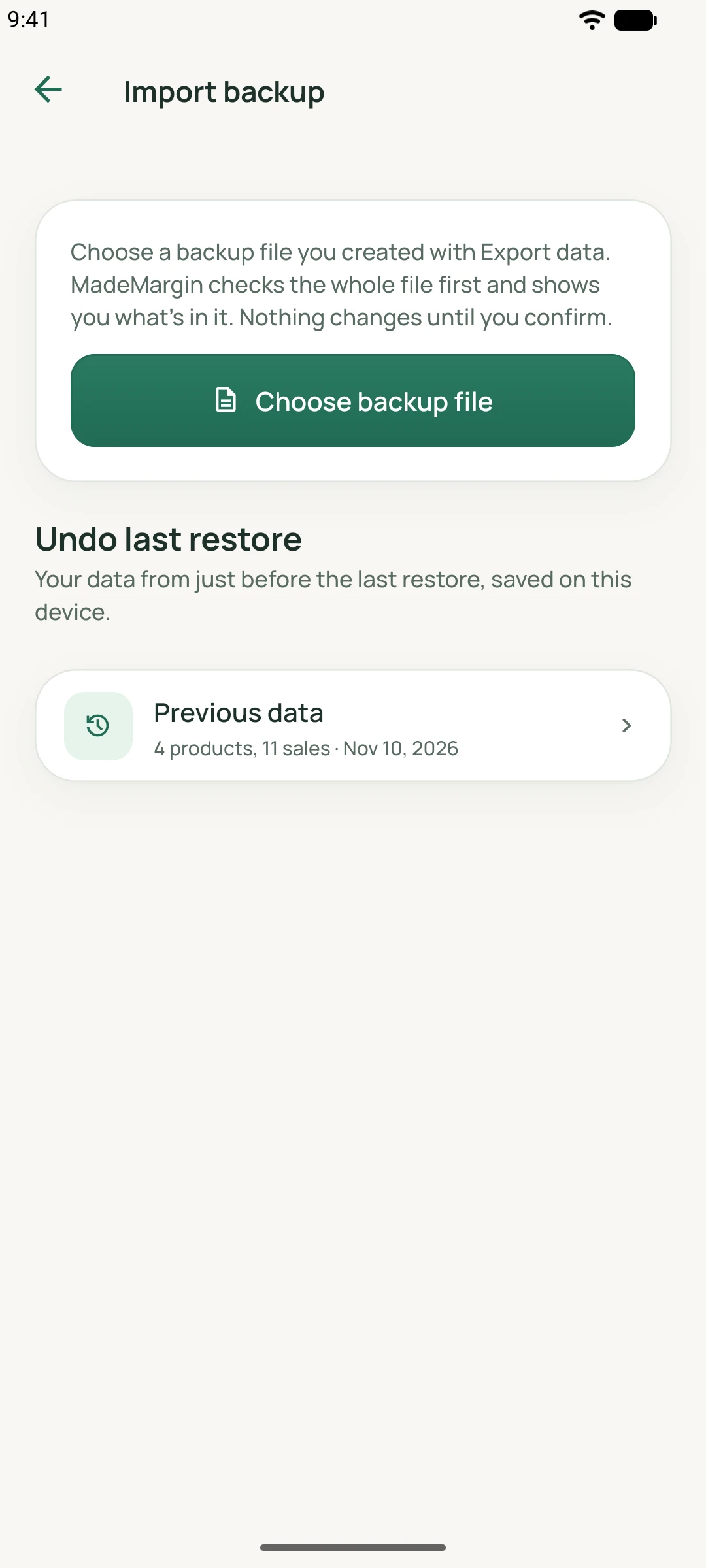
Review the file information and confirm replacement of local business data. The app first creates a local safety copy; if that cannot be made, restore does not proceed. Import backup offers Undo last restore for that copy. A local safety copy does not protect against losing the device.
A practical workflow
Choose an output
Use PDF for a readable report, CSV for tabular records or JSON for a restorable business-data copy.
Save or share intentionally
Select the destination yourself. Keep an independent JSON copy before replacing data or changing devices.
Validate before replacing
Choose a backup, review its details and confirm restore. Use the local safety copy if you need to undo the last restore.
Worked guide
A practical backup-and-restore guide
Suppose you want to replace the app’s local candle catalog with an earlier backup.
Illustrative inputs, separate from the demo screenshots. These are not customer results or promised outcomes.
| Input or step | Calculation or action |
|---|---|
| Before you begin | Export the current supported data as JSON and keep an independent copy outside the app. |
| Choose the earlier file | Let the app validate it and review the file’s information before confirming replacement. |
| After restoration | Check products, available photos and sales. Import backup provides Undo last restore for the local safety copy. |
This is an illustrative workflow, not a promise that every file or version can be restored. Validation can reject modified, damaged, incompatible or invalid backups.
Feature questions
Can I restore a PDF or CSV?
No. Use MadeMargin’s JSON backup format for supported business-data restoration.
Does a safety copy replace my own backup?
No. It is local to the device and intended to undo the last restore. Keep independent copies for device loss or other recovery needs.
Are files uploaded automatically?
Exports and backups are created and shared explicitly by you. Chosen destinations receive shared files. Optional support submissions are a separate network flow.